Status
Provides basic Flight Controller (FC) information. The status tab is the first tab you see when you connect to your flight controller. You can check the gyroscope live preview, view the arming prevention flags and other FC information.
Info
Shows data from the flight controller. This includes:
- Craft Name
- Firmware
- Board

Arming

- Enable Arming: Use this switch to enable arming while the configurator is connected.
With arming enabled, the motor can spool up when the throttle is released.
Remove blades for safety.
- Arming Disable Flags: Shows all of the "errors" that prevent the flight controller from arming. This is useful to check if you're having issues arming.
You can find a description of these flags from the List of Arming prevention flags
Battery

- Voltage - Shows the current battery voltage if the settings for it are set correctly.
- Current - Shows the current drawn from the battery if the settings for it are set correctly.
- Capacity - Shows the consumed capacity of the battery in mAh.
- Charge Level - Shows remaining battery capacity in percent.
Live Gyro Preview
A live preview of the gyroscope data. This is useful to check if the gyroscope is aligned correctly, and if it isn't getting/giving noisy data.
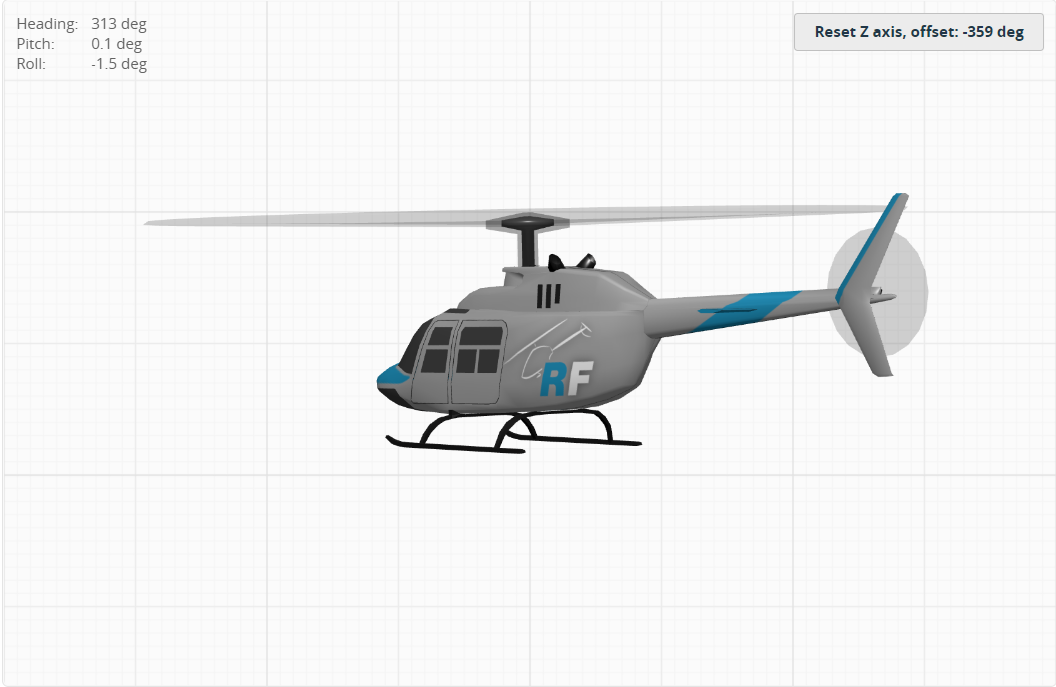
- Reset Z axis - This button resets the heli heading to 0 degrees.
You can set the gyroscope alignment in the Configuration tab.
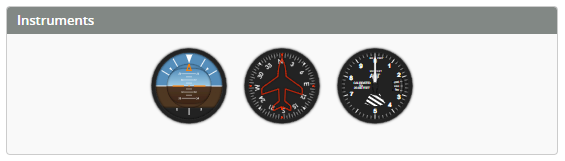
Instruments
A graphic replica of real aircraft instruments.
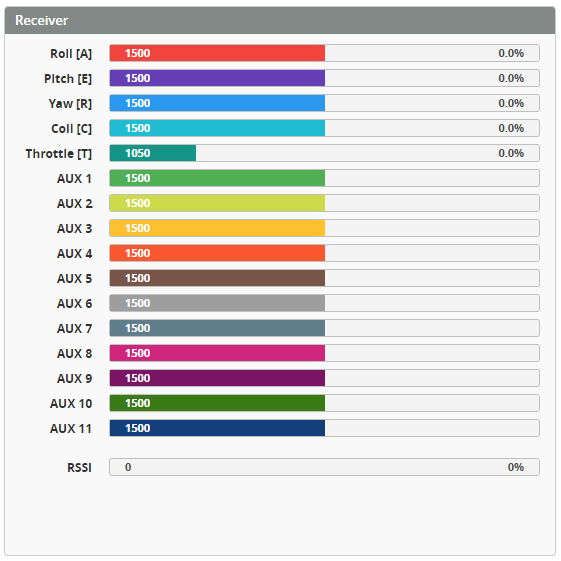
Receiver
The receiver output preview shows the current state of the receiver channels in microseconds (µs) and percent. It also shows the received signal strength (RSSI).