XDfly Upgrade Notes
Upgrade notes for the XDFly Esc range
RF 2.2.x - XDfly Upgrade Notes Sunday, April 6, 2025 8:44 AM
XDfly Forward Programming / Telemetry
Install the XDFly app
Connect the XDfly Bluetooth module, and install the XDfly app from either Google Play, Apple Store.
Minimum XDfly Version (updated 4/6/25)
| model | FW Version | |
|---|---|---|
| XDfly | 35a | B1.1 |
| XDfly | 65a | B2.1 |
| XDfly | 85a | B2.1 |
| XDfly | 125a | B1.4 |
| XDfly | 155a | B1.7 |
| XDfly | 195a | B1.1 |
| XDfly | 300a | B2.1 |
Update the ESC Firmware
Xdfly App Firmware Update Procedure
- Click Bluetooth Icon in Upper Right Corner
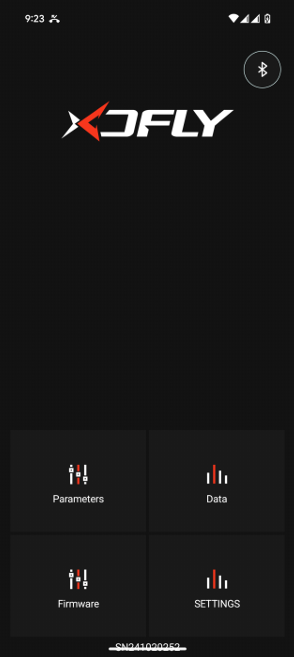
-
Make sure Bluetooth module is plugged into 4 pin serial port on XDfly ESC, AND throttle/BEC lines are disconnected from FC.
-
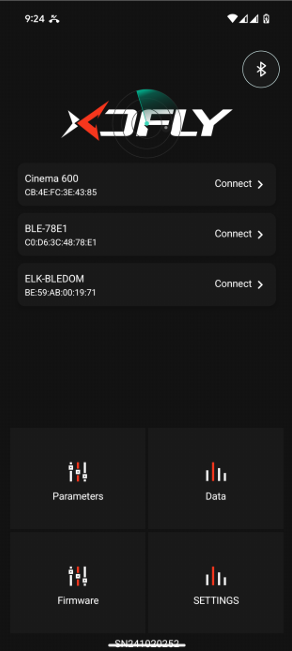
The XDfly BT module will appear as "BLE-XXXX" then click "Connect"
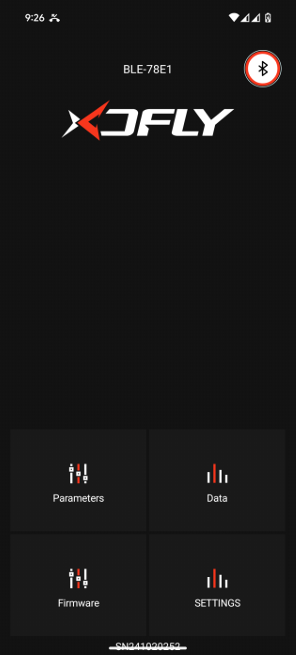
- Once connected, the BT module name will appear above XDfly logo, and the BT icon will show a red ring indicating it is connected properly.
-
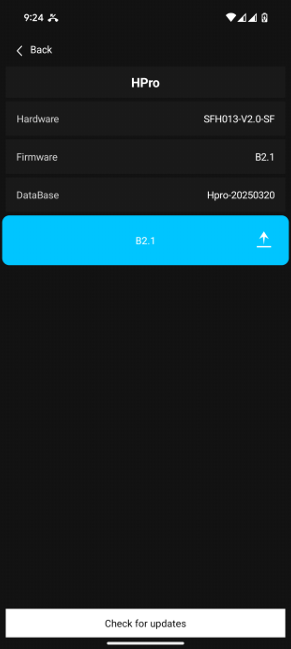
At the bottom of the screen tap check for updates. Once completed you will see new version highlighted in blue. Click the Update button on the far right of the blue icon.
-
Wait for the update to complete 100%, and power cycle the ESC.
You will have to reconfigure your ESC settings like BEC voltage, Governor Type, etc.
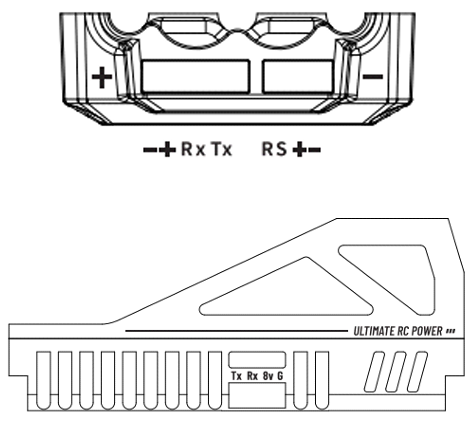
- On the XDfly ESC there is a 4 pin port (on the rear, or side of ESC) where the bluetooth module and esc fan are plugged into. But there are two specific pins used for various telemetry options, RX or TX.
Note: For Rotorflight 2.2.x releases, you will want to use the "RX" port on XDfly ESC for bidirectional support. Previously for Rotorflight 2.1.x, you would use XDfly "TX" port for "ZTW" telemetry protocol Open Rotorflight Configurator 2.2.x, goto the motors tab, and select "XDfly" ESC telemetry
Configure Rotorflight
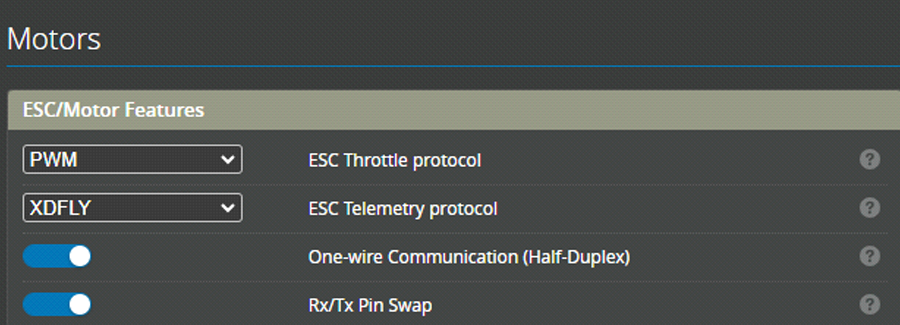
Open Rotorflight Configurator 2.2.x, goto the motors tab, and select "XDfly" ESC telemetry protocol.
-
For F7 FCs (RM Nexus, FlyDragon F722, FrSky RF007) Enable one-wire (half-duplex) communications to enable bidirectional support required.
-
You will need to use TX PIN on FC, if using a 3 pin servo header, then RX/TX pin swap should be enabled as well. For F4 FC's (Flywing Heli405, Betaflight Boards), an external converter would be required and these options are not enabled. Updating RF Suite LUA to 2.2.x
-
Download latest RF Suite LUA 2.2.x zip file Delete existing /scripts/rfsuite folder on ETHOS radio first Finally, copy the extracted zip /rfsuite folder into /scripts folder RF Suite 2.2.x ESC Tools Usage
-
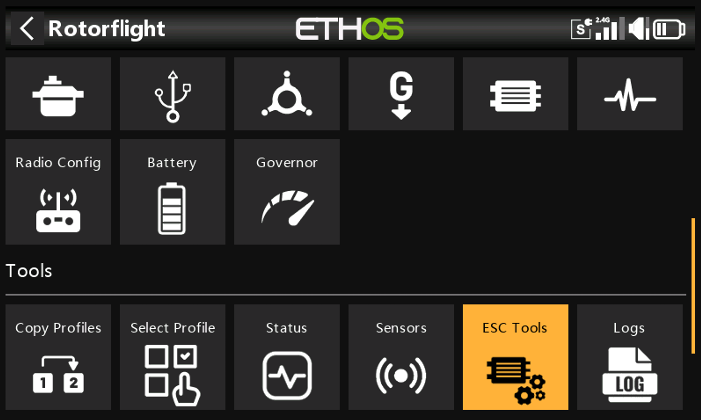
Tap RF Suite Icon
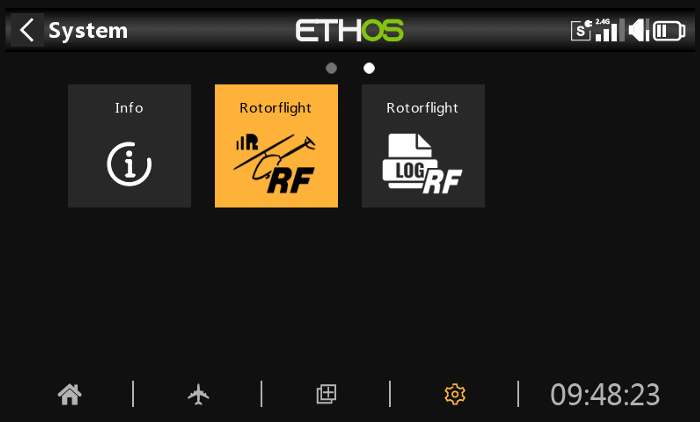
- Tap ESC Tools Icon
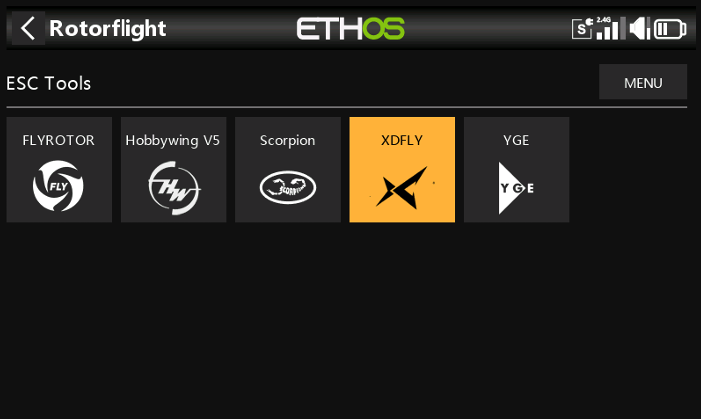
- Tap XDfly Icon
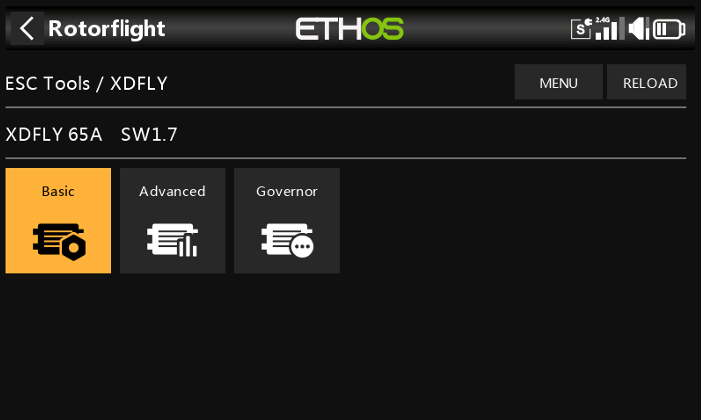
- If everything is setup properly, the ESC will connect, and show the ESC hardware and firmware version.
Note: If it shows "UNKNOWN" recheck the physical connections, and RF configurations are correct.
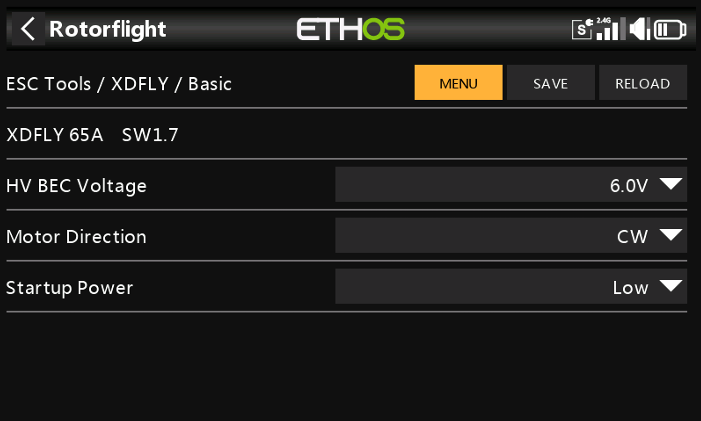
- XDfly Basic Parameters
- Tap XDfly Advanced
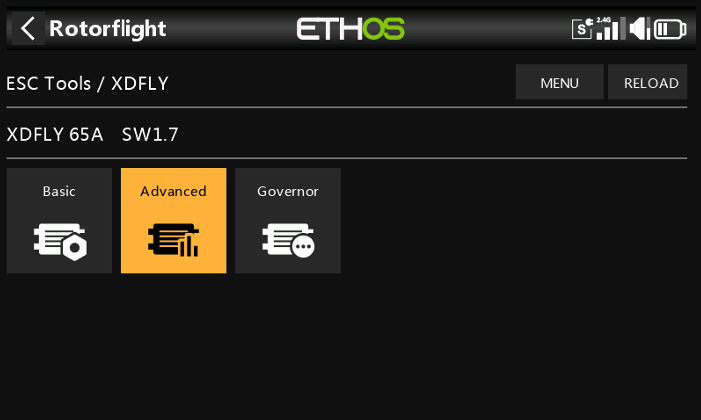
- XDfly Advanced Parameters
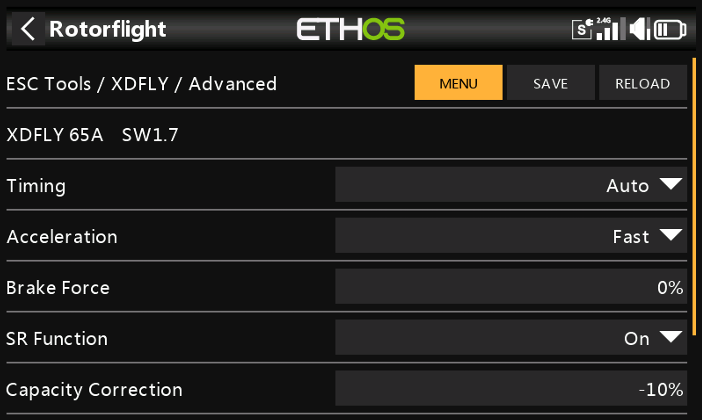
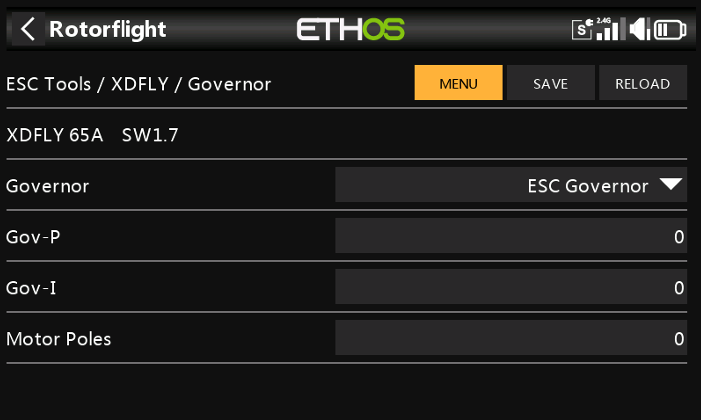
- Tap XDfly Governor
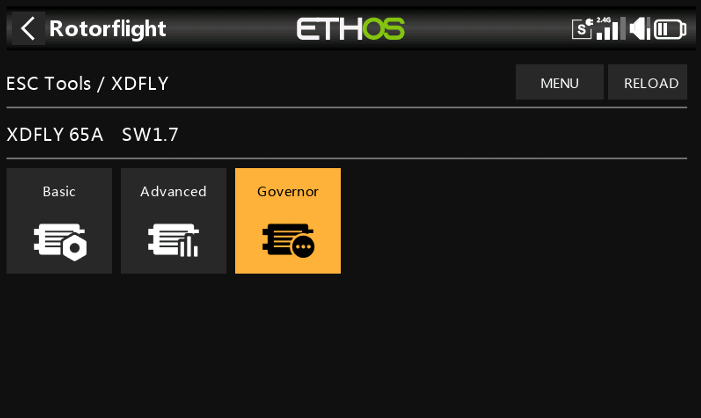
- XDfly Governor Parameters