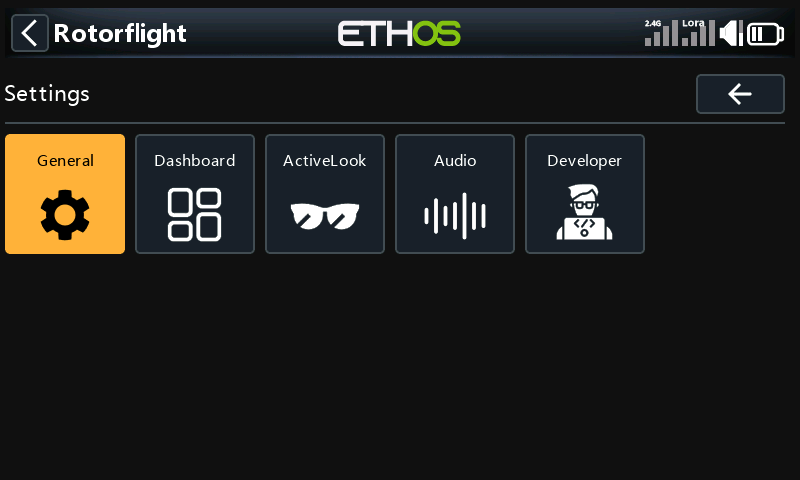
Settings
Settings are the suite's own options. They are stored on the radio, not on the flight controller, so this menu works with the model switched off. Saving here asks Save current page to flight controller? like every other page, but the settings go to the radio.
General
Grouped into panels; tap a panel to open it.
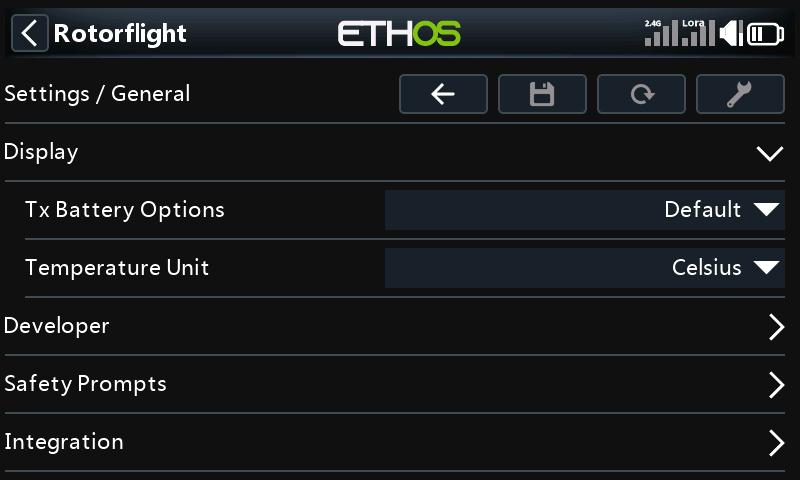
| Panel | Settings |
|---|---|
| Display | How the radio's own battery is shown (Tx Battery Options), and the temperature unit. |
| Developer | Developer mode, which adds a Developer menu under Tools. You won't need it for flying. |
| Safety Prompts | Save confirm and Reload confirm: turn off to save or reload without being asked. |
| Integration | Sync model name: while the model is connected, the radio shows the flight controller's craft name as the model name, and puts the old name back afterwards. Battery profile on connect: asks which battery is fitted each time the model connects. |
Dashboard
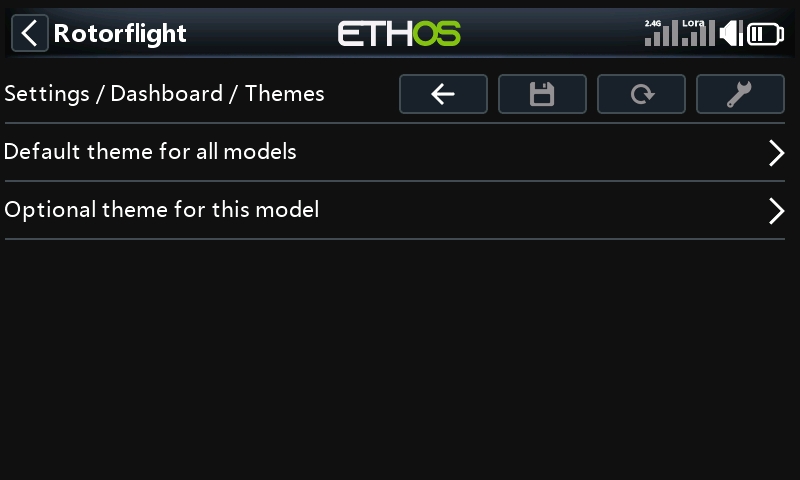
Choose and set up the dashboard theme.
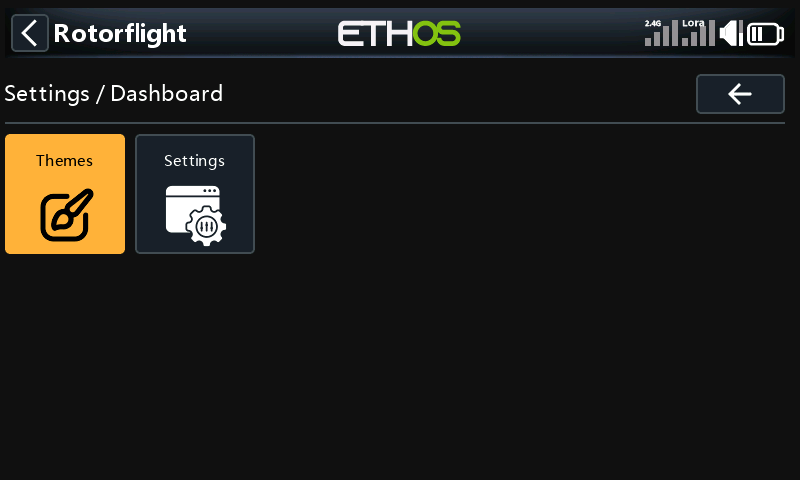
- Themes: the default theme for all models, and optionally a different theme for this model.
- Settings: one tile per theme, for the options that theme has.
ActiveLook
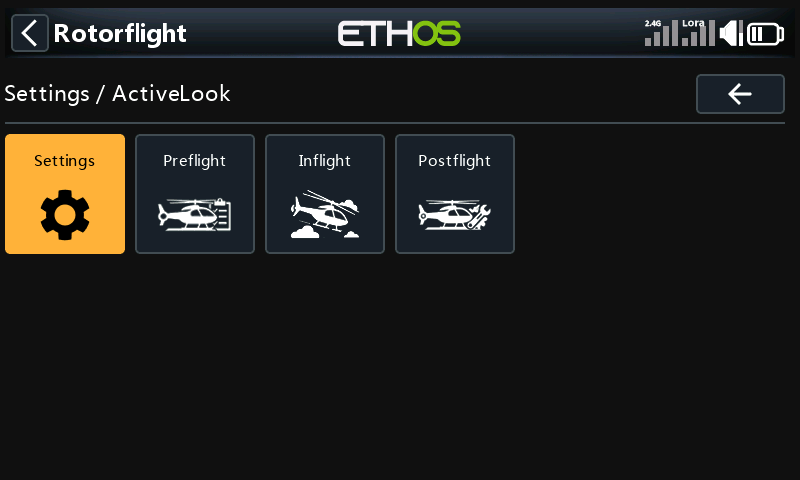
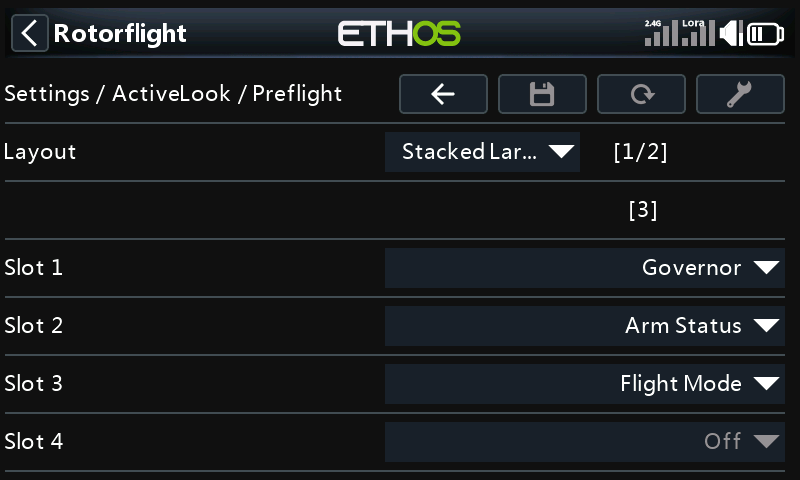
For ActiveLook glasses: what the glasses show before, during and after a flight. Settings turns the glasses display on and sets its position; the other three pages each pick a layout and what goes in each slot.
Audio
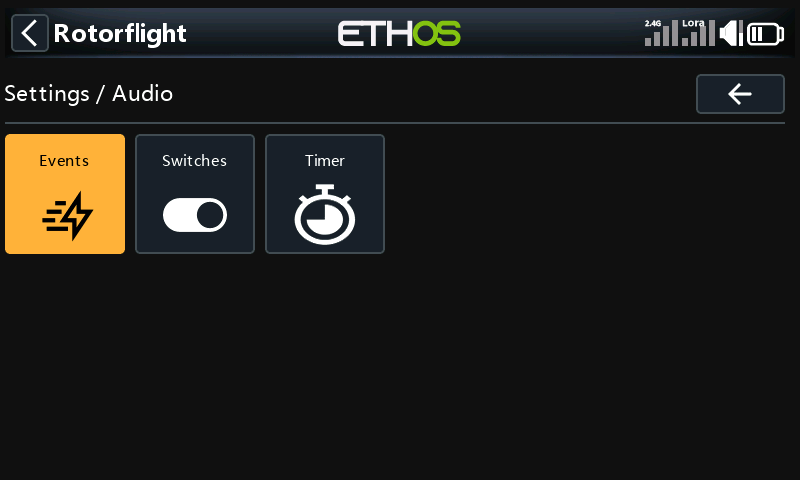
What the radio says, and when.
Events
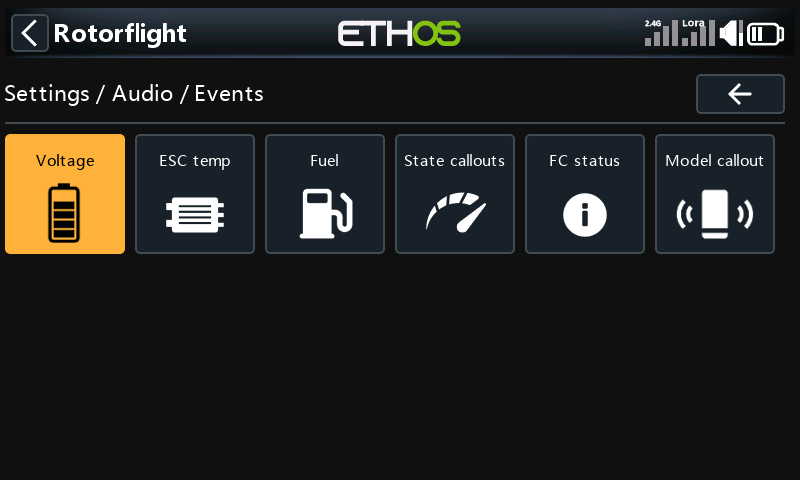
Callouts and alerts, one page per kind:
| Page | What it covers |
|---|---|
| Voltage | Low battery voltage, and BEC and receiver voltage alerts, with their thresholds. |
| ESC temp | An alert when the ESC gets hotter than a threshold. |
| Fuel | Fuel (charge left) callouts, and the low-fuel warning. |
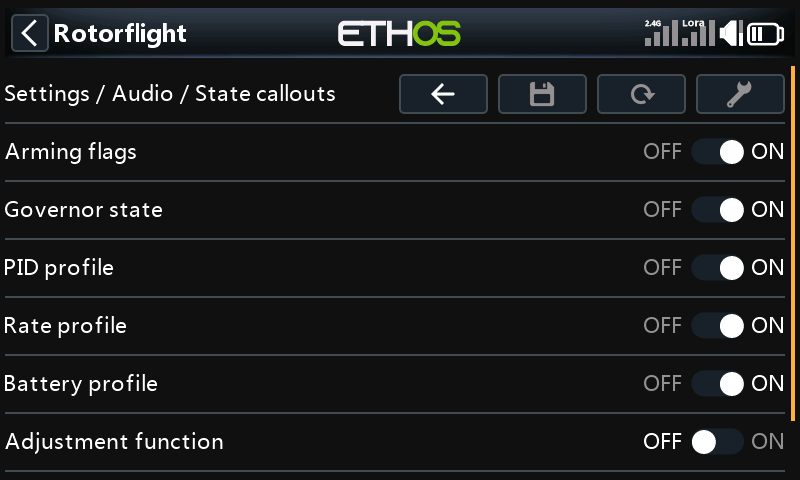
| State callouts | Arming flags, governor state, PID, rate and battery profile changes, and adjustment functions. |
| FC status | Alerts from the flight controller: gyro overflow, GPS not responding, blackbox full and control limit. |
| Model callout | Plays the model's name when it connects, if you have recorded it. |
Switches
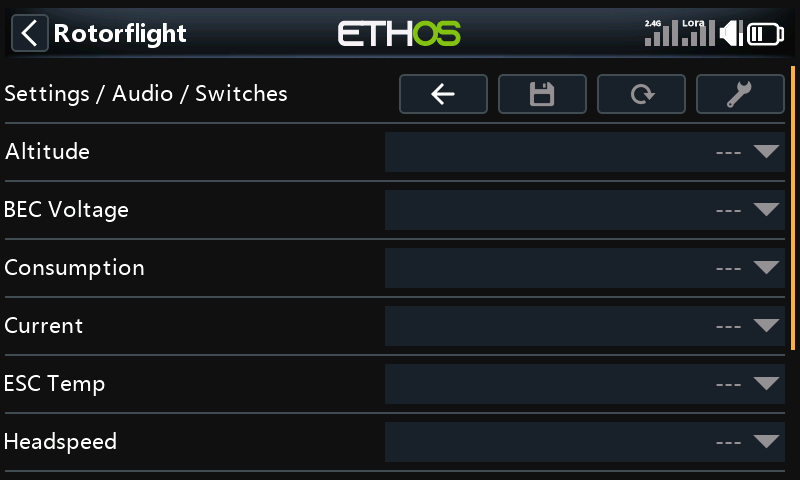
Pick a switch for a value, and the radio reads that value aloud when you flip it: altitude, BEC voltage, consumption, current, ESC temperature, head speed and more.
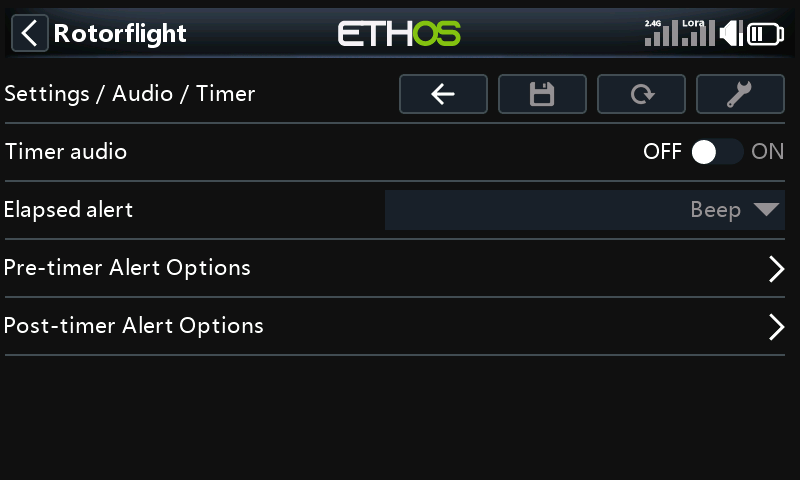
Timer
Callouts for the flight timer: when it runs out, and alerts before and after.