Tools and Logs
Tools
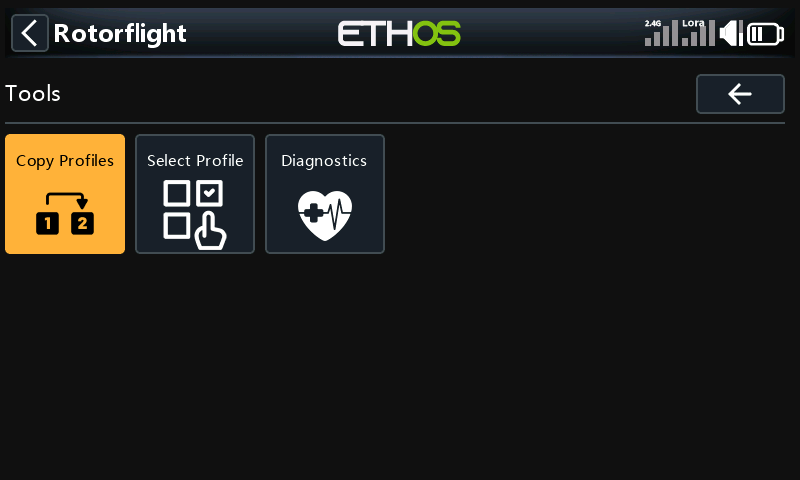
Copy Profiles
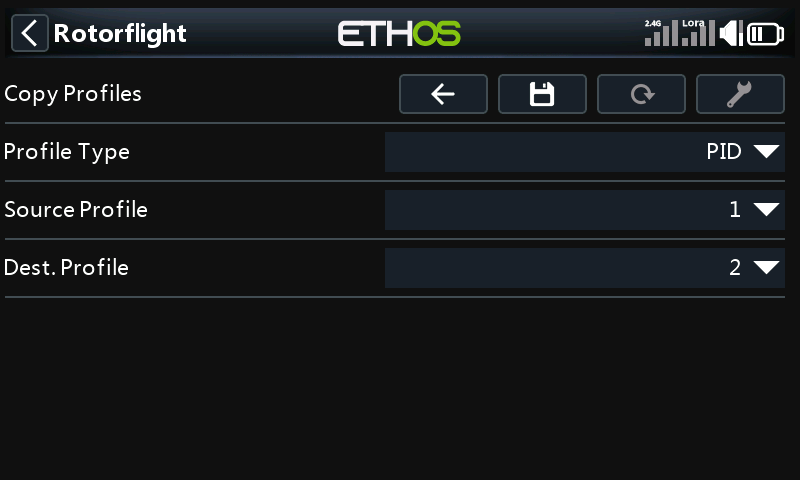
Copies one PID or rate profile over another. Pick the profile type, the source and the destination, then press Save.
Select Profile
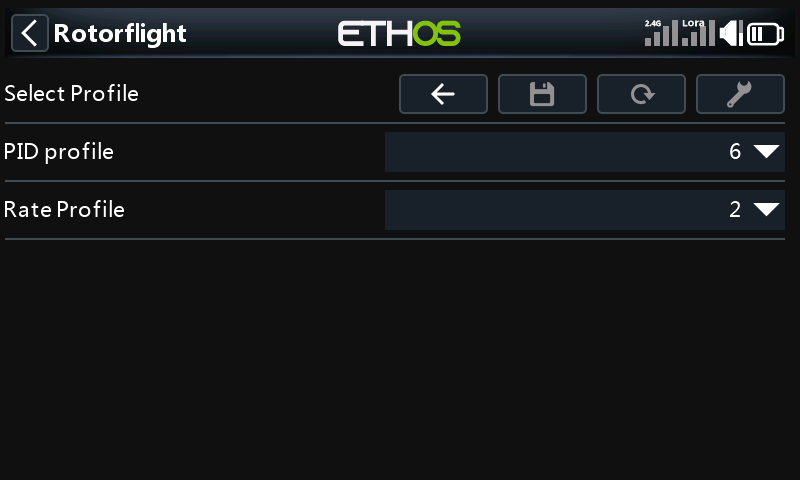
Switches the flight controller to another PID or rate profile. The tuning pages follow the profile you pick.
Diagnostics
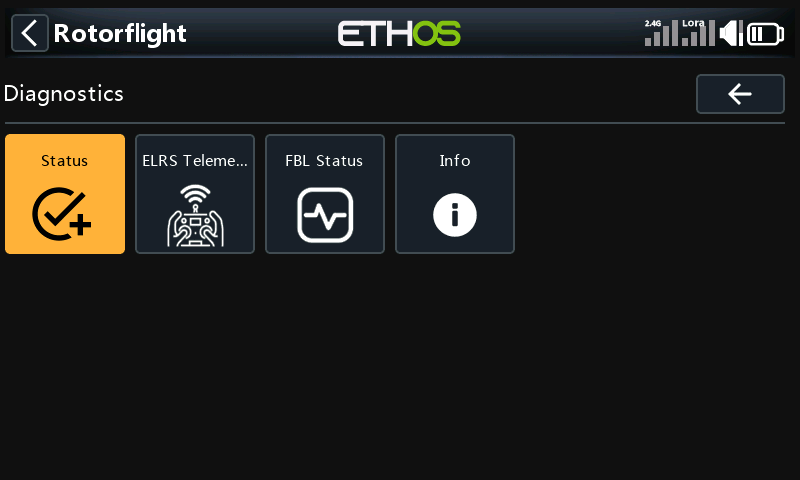
Read-only pages for checking the link and the flight controller:
| Page | What it shows |
|---|---|
| Status | Whether the radio side is working: free memory, the RF module, the MSP sensor, the connection to the flight controller and the API version. |
| ELRS Telemetry | Probes the ExpressLRS module and its link. It needs CRSF telemetry. |
| FBL Status | The flight controller's arming flags, blackbox space, load, and active profiles. |
| Info | Version numbers: the suite, Ethos, the firmware, and the MSP protocol. |
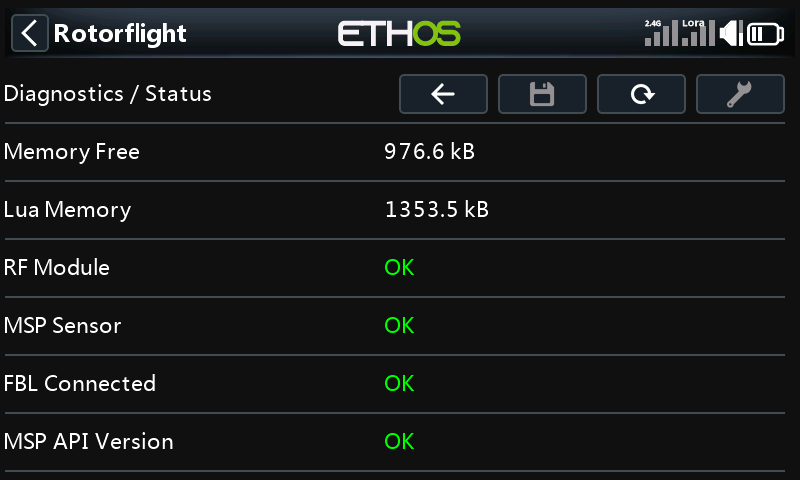
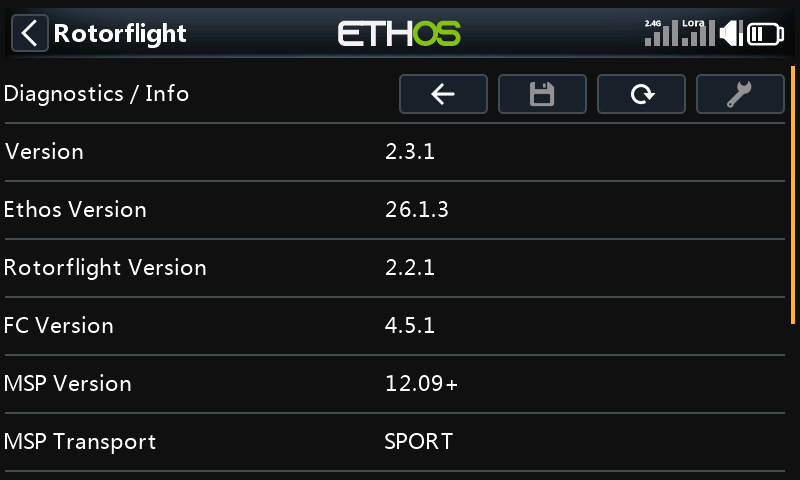
When something doesn't work, Status and Info are the first places to look, and worth a screenshot when you ask for help.
Logs
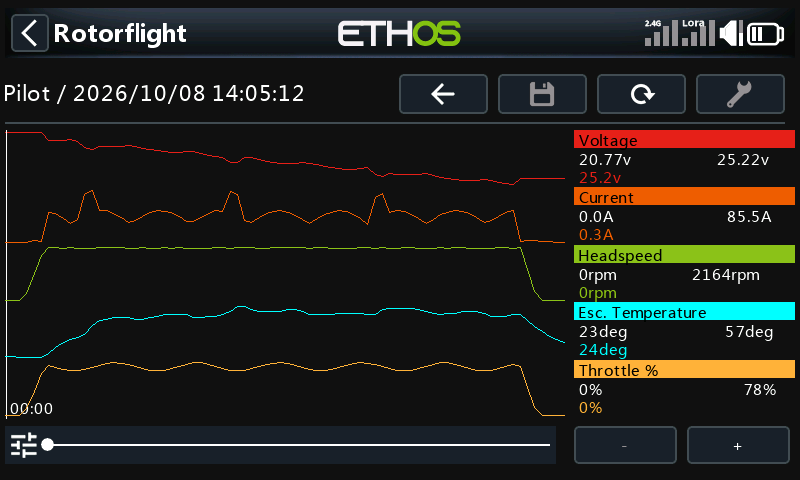
The radio logs telemetry while you fly: voltage, current, head speed, ESC temperature and throttle. Logs works without the model connected.
Logs are kept per model, under the craft name:
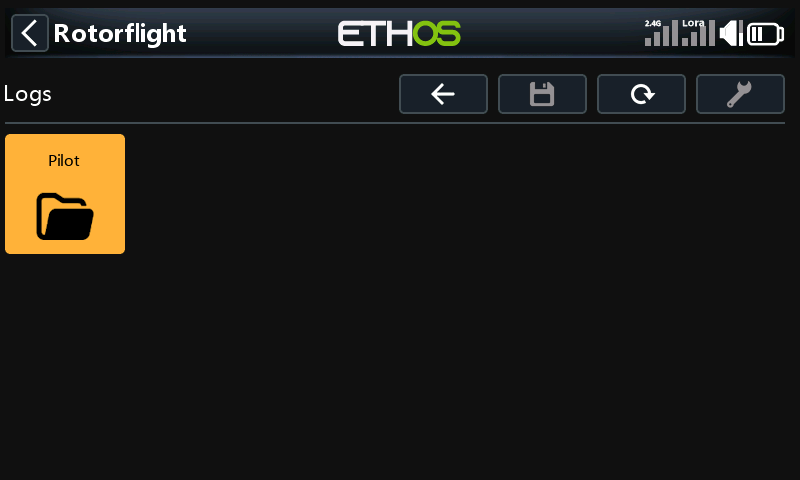
Inside, flights are grouped by date, one tile per flight:
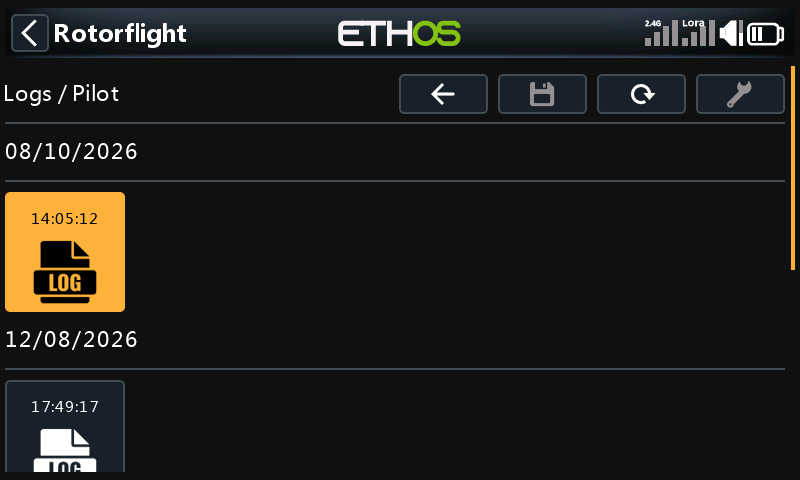
Open a flight to see it as a graph. The legend on the right shows each value's minimum and maximum over the flight, and its value at the cursor. Drag the slider to move through the flight. - and + zoom out and in; they are greyed out when the whole flight already fits.